Our apps
Four apps, each one narrow on purpose. They keep your data on your phone, ask for no account, and open on your computer over your own Wi-Fi when you want a bigger screen.
 Expense tracker
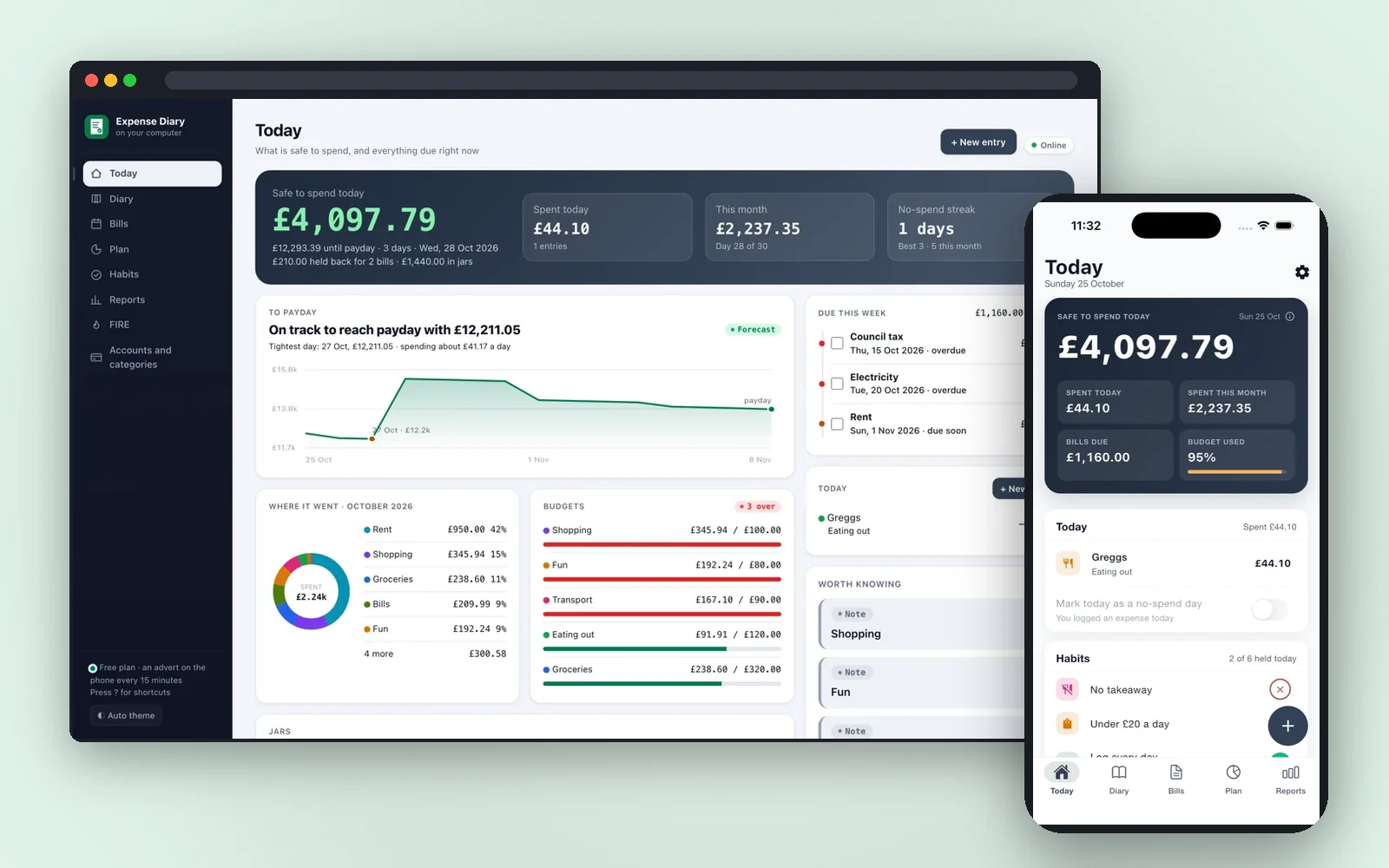
Expense Diary
Log your expenses and habits
One number every morning: what is safe to spend until payday. Bills, jars, budgets, habits and a receipt scanner, with everything kept on your phone.
- One number each morning: what is safe to spend until payday
- Receipts and bank statements read on the phone, never uploaded
- Bills, subscriptions, jars, budgets and streaks in one diary


 Scan to get it
on your phone
 Till & stock app
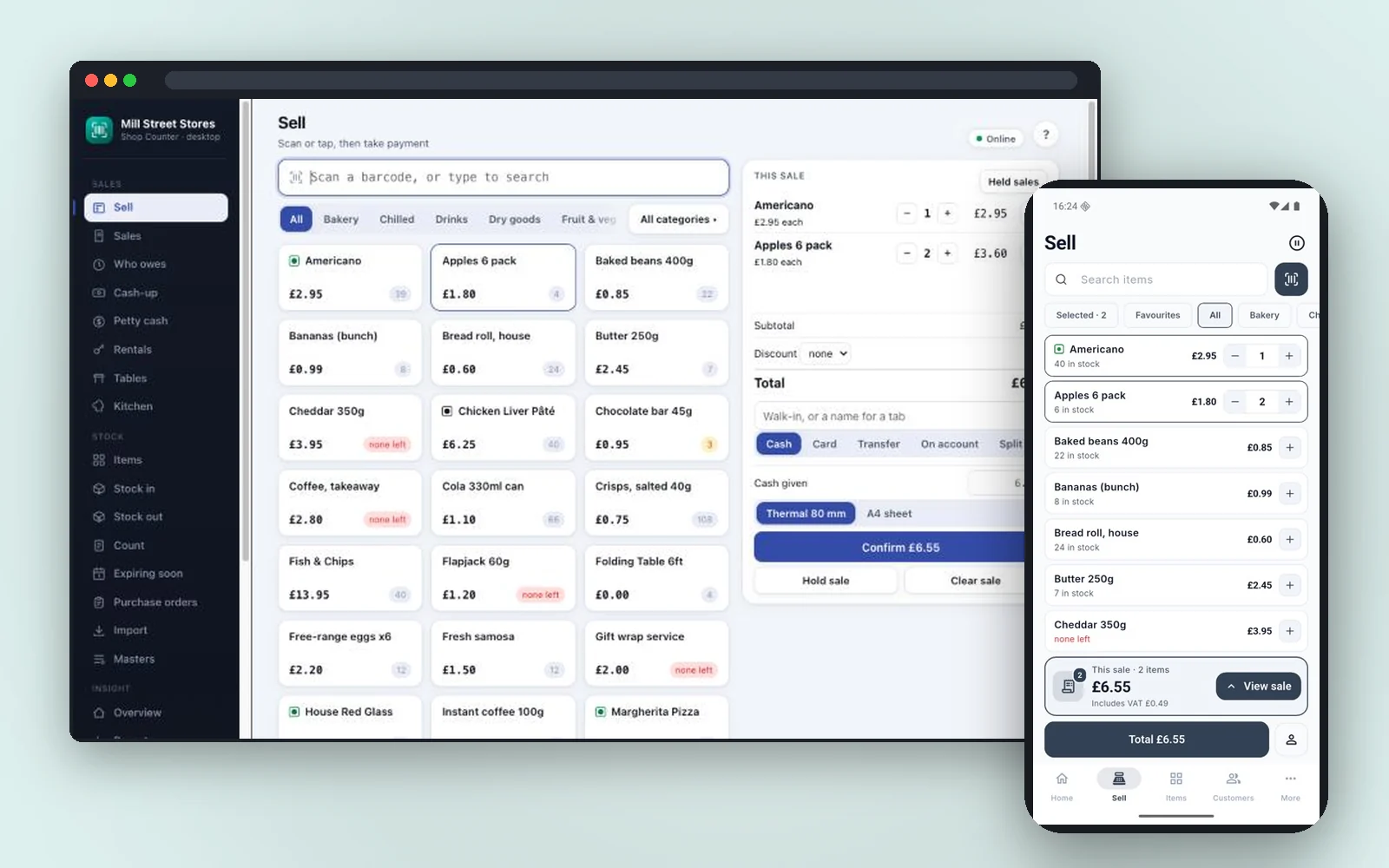
Shop Counter
Run your small business from your phone
Ring up sales, count your stock and see who owes you. A till, a stock book and the office in one app that works without the internet.
- Scan or tap to sell; cash with change, card, QR, transfer, on account or split
- Receive deliveries, take stock out, count the shelves, and see what to reorder
- Customer tabs, invoices, store credit and loyalty points
 Scan to get it
on your phone
 Invoice maker
Plain Estimate
Estimate and invoice maker
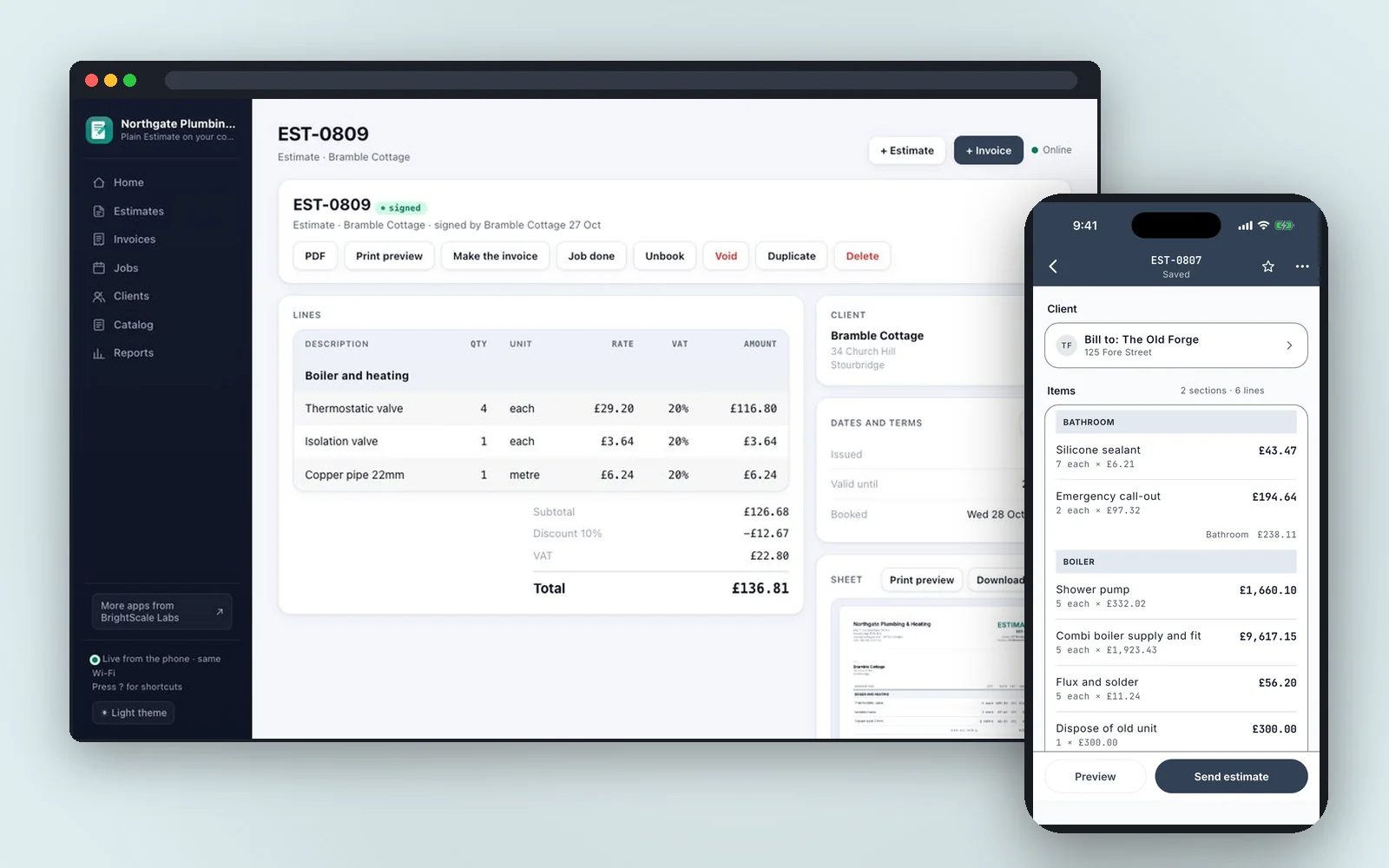
Quote at the door, get it signed on the spot, invoice it later. Estimates and invoices for one-person trades, with nothing capped and no account.
- Walk the job tapping in prices you already set, grouped by room
- Signed on the phone at the door; the signature stays with the document
- Estimate to invoice without retyping; deposits, pro formas, credit notes, payments and what you are owed
 Scan to get it
on your phone
 Maintenance log
Asset Log
Look after your machines, tools and vehicles
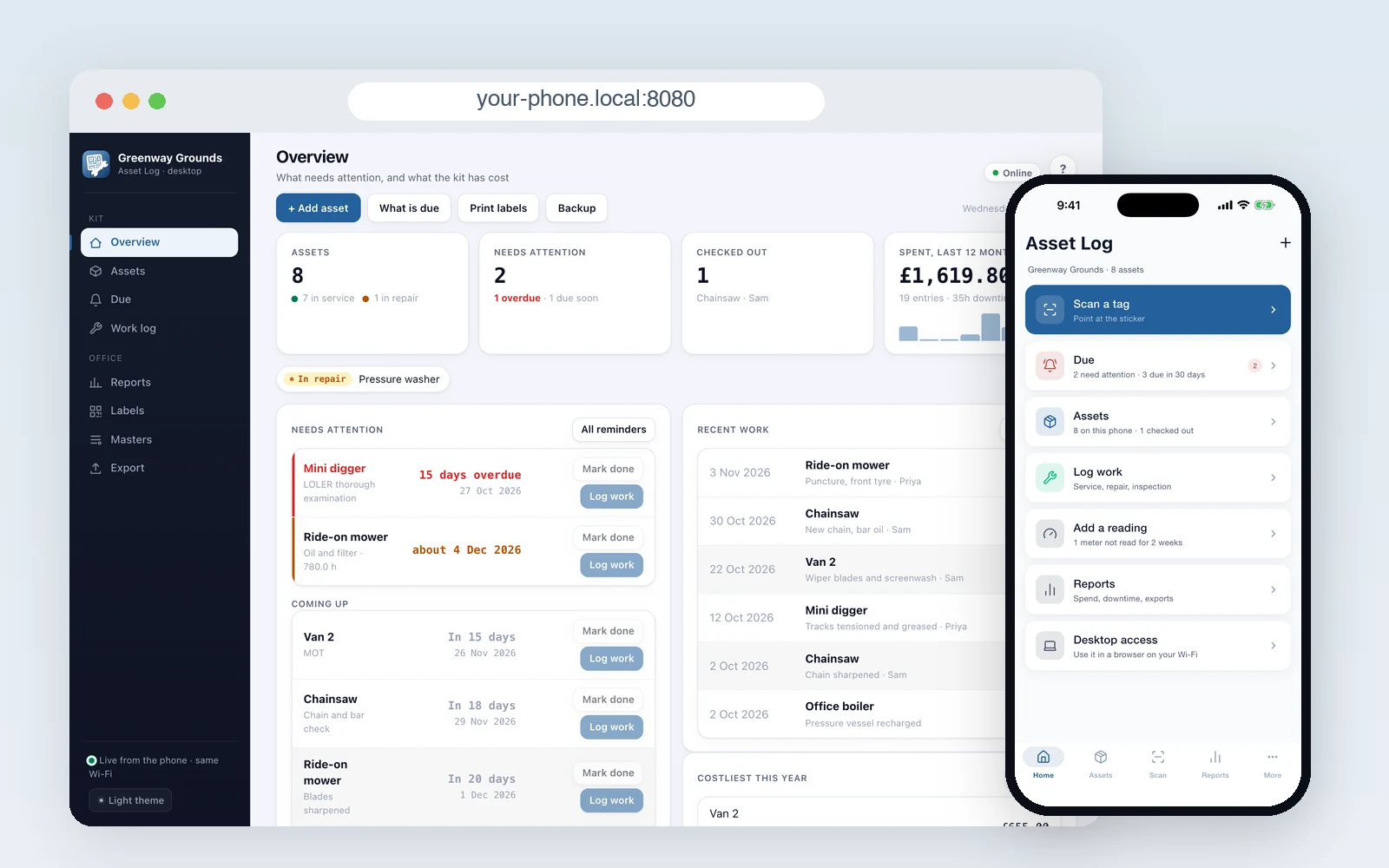
Stick a QR tag on each machine, tool and vehicle. Scan it to see its service history, log the work in seconds, and get reminded before the next service is due.
- Print QR label sheets, stick one on each asset, and scan it to open its history
- Log a service, repair or inspection with labour, parts, cost and photos
- Reminders by date, by meter, or whichever comes first, in one Due list
 Scan to get it
on your phone
All four are free to use. Each one is explained step by step in its guide, and each has a privacy policy that fits on a page, because the apps never see your data.